Christmas leave enquiry handover: keep your website promises realistic
Before your team leaves for Christmas, decide what will happen to every new website enquiry. The most useful holiday automation is one that gives an accurate expectation, reaches the right person and makes the January handover easier.
Put the advice into practice
Give your next major prospect a clearer reason to choose you
Plan the content, design and enquiry pathways around the work you want to win.
Discuss your website projectA form can keep working while the business is closed. That does not mean someone is available to answer it. The website, automated reply and internal workflow should all reflect the service you can actually provide.
Start with the operating plan
Write down the confirmed closure dates, reopening date, limited-service periods and the person responsible for each type of enquiry. Keep employment arrangements separate from the marketing checklist. Fair Work’s holiday-season guidance, published 7 October 2026, is a relevant starting point for employers checking their own obligations.
Do not assume a colleague will monitor messages while on leave. Agree coverage through the appropriate business process, then make the website reflect that decision. If nobody is available, say so clearly rather than leaving a normal response-time promise in place.
Map the routes an enquiry can take
List contact forms, quote forms, booking links, chat, phone numbers and campaign landing pages. Include forms embedded in older articles or downloads. A new homepage notice does not help someone who arrives directly on a service page.
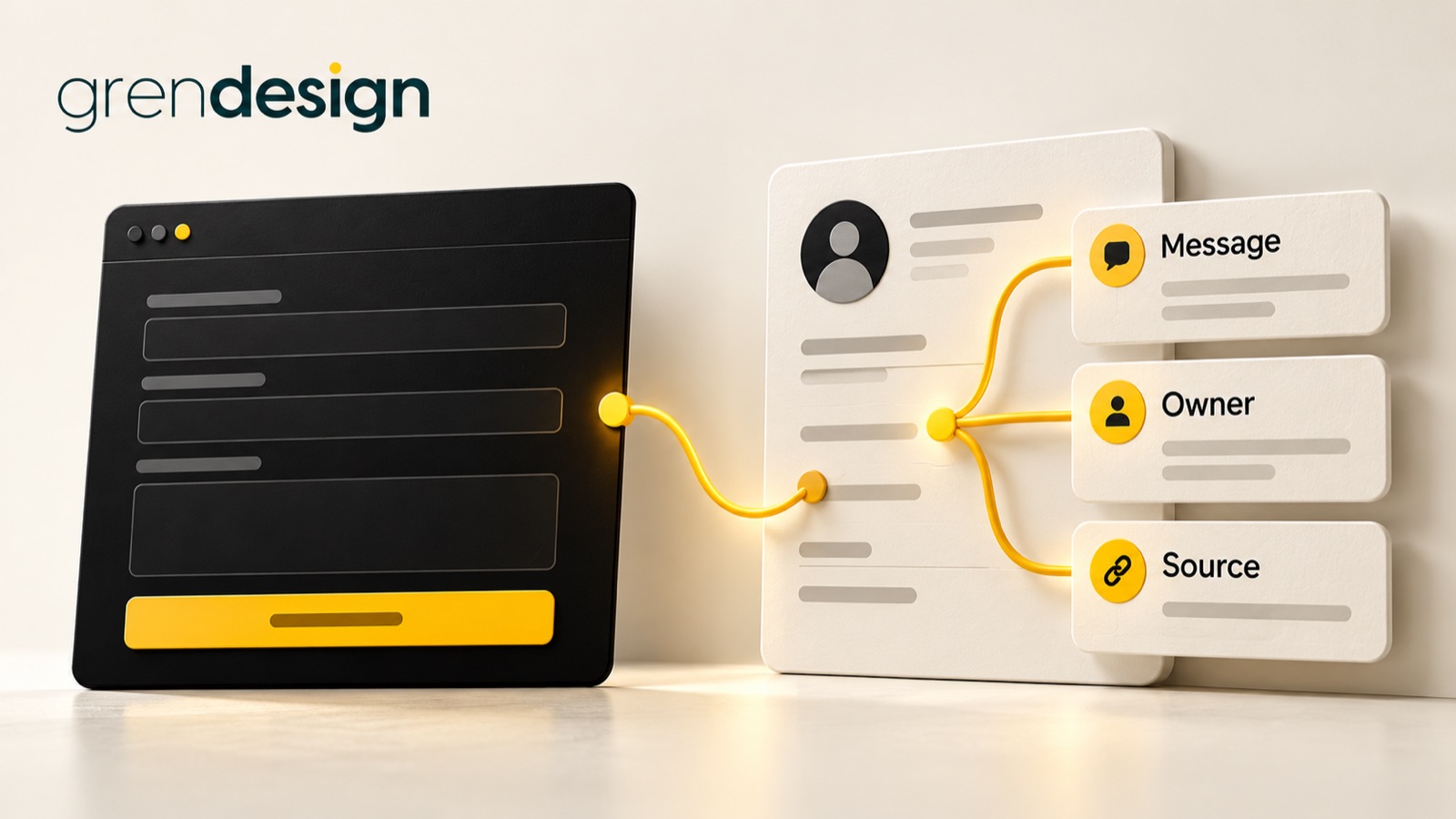
For each route, record where the information is saved, who is notified and what the customer sees. This simple inventory often reveals that a form still emails one person rather than a shared or covered destination.
Check existing-client requests separately from new sales enquiries. A customer needing an update on live work may need a different path from someone researching a project for next year. Avoid publishing internal escalation contacts that are not intended for general use.
Write a truthful acknowledgement
A good holiday acknowledgement confirms receipt, explains the relevant dates and says what happens next. It should not sound as though a team member has personally reviewed the enquiry when the message is automatic.
For an illustrative example: “Thanks for your enquiry. Our office is closed over the holiday period and reopens on the date shown below. We have received your message and will review it after we return.” The business must insert its real dates and approved response expectation before using it.
If a limited team is operating, explain which requests they can handle. Avoid “we will reply shortly” when the queue may not be reviewed for several days. A clear wait is kinder and more useful than an optimistic phrase that nobody can fulfil.
Make routing and ownership visible
Choose one accountable owner for the holiday enquiry queue and a backup if coverage is genuinely arranged. They do not need to personally answer every question, but they should know how to see unresolved items and route them appropriately.
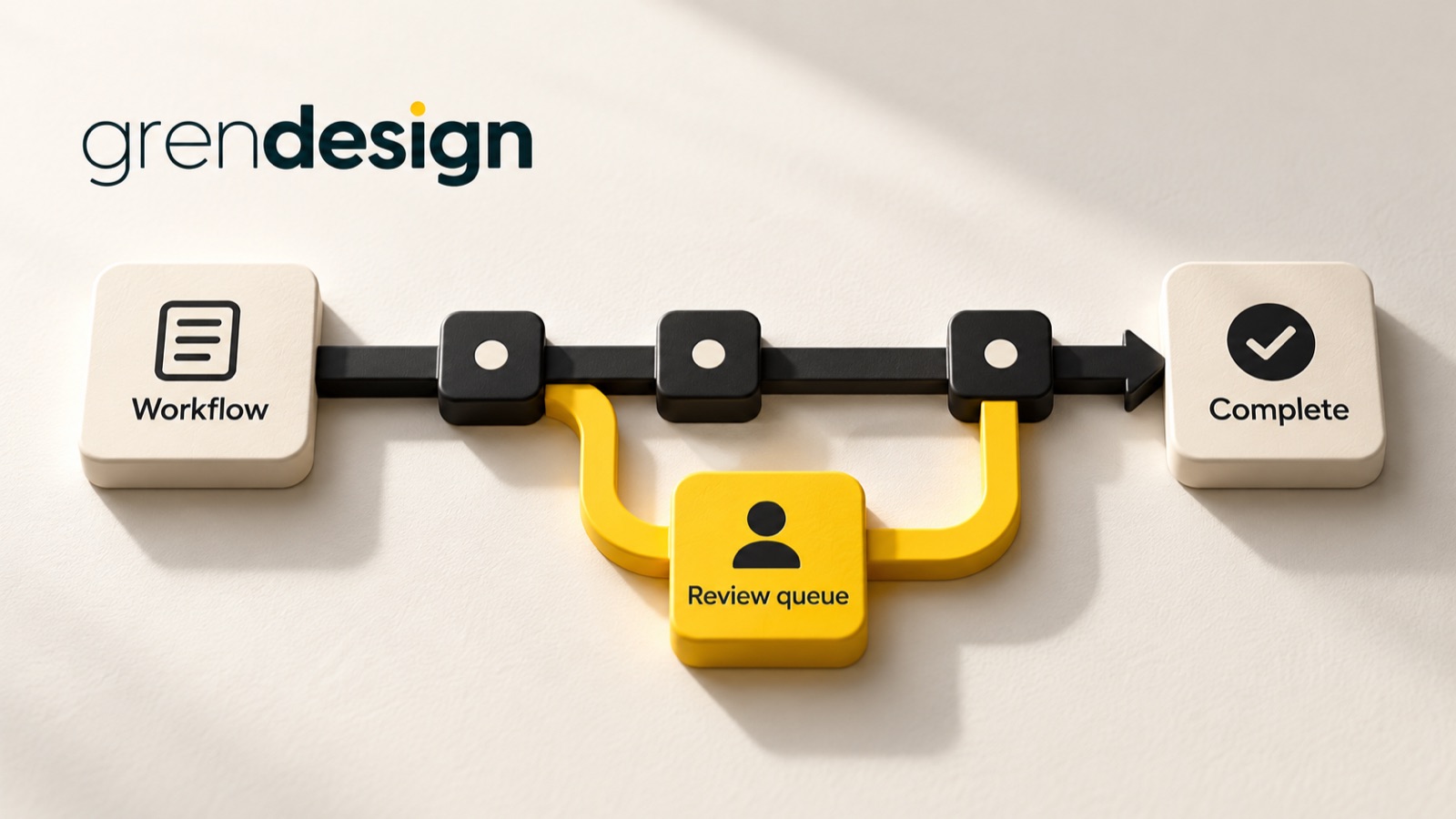
Use statuses that describe reality: received, awaiting review, assigned and replied. An automated acknowledgement should not mark the work as fully resolved. Keep the original submission and relevant context available to the person who eventually responds.
If a workflow cannot deliver a notification or create a CRM record, decide where the failure appears. An automation that fails silently is harder to manage than a manual process with a visible queue.
Test the journey before the final working day
Run a clearly labelled test through each important route. Check the website confirmation, customer email, internal notification and saved record. Try a mobile device as well as a desktop browser, and confirm the date language is consistent.
- Does the correct service team receive the enquiry?
- Does the acknowledgement include an accurate reopening date?
- Can the covering person access the information they need?
- Does a booking calendar offer times the team can honour?
- Can an unresolved item be found again without searching several inboxes?
- Is there an agreed response if the workflow fails?
Test with safe example information. Do not put a real customer’s sensitive details into a trial simply to make it realistic. Remove or label test records so they do not distort the January queue.
Review the campaigns still running
Look at ads, scheduled social posts and emails that will send people to the site during leave. They should not invite an immediate consultation if appointments are unavailable. Update the message or scheduling plan to match capacity.
That does not automatically mean every campaign should stop. A business may reasonably continue sharing useful resources or collecting enquiries for the new year. The key is that the customer understands the next step and the business can manage the resulting queue.
For an illustrative B2B example, a consultancy could keep a project-planning resource available while making clear that new project discussions resume after reopening. A booking page could show only genuinely available future appointments. This supports interest without pretending someone is on call.
Prepare the first day back
Decide how the queue will be reviewed before everyone returns to a full diary. Prioritise by genuine urgency, existing commitments and service fit rather than simply responding to the loudest message.
Keep the response personal and relevant. Someone who provided a detailed brief should not receive a generic request to explain their project again. The value of a good handover is that the next person can continue the conversation with context.
Remove the holiday notices and restore ordinary response expectations only when the team is ready. Check that booking availability, automated messages and campaign copy all change together.
A short handover that is worth keeping
Your final handover can fit on one page: dates, enquiry routes, owners, expected responses, failure handling and reopening actions. Give the team one current version rather than several slightly different email threads.
If the process exposes gaps, Grendesign’s AI and automation services can help frame a workflow discussion. For the website itself, review hosting and maintenance arrangements separately, including what support is actually included. Do not assume a maintenance plan provides holiday sales coverage.
The aim is straightforward: customers know what to expect, the team knows what it owns and no one has to reconstruct the whole story in January.