

Holiday website checklist for Australian businesses
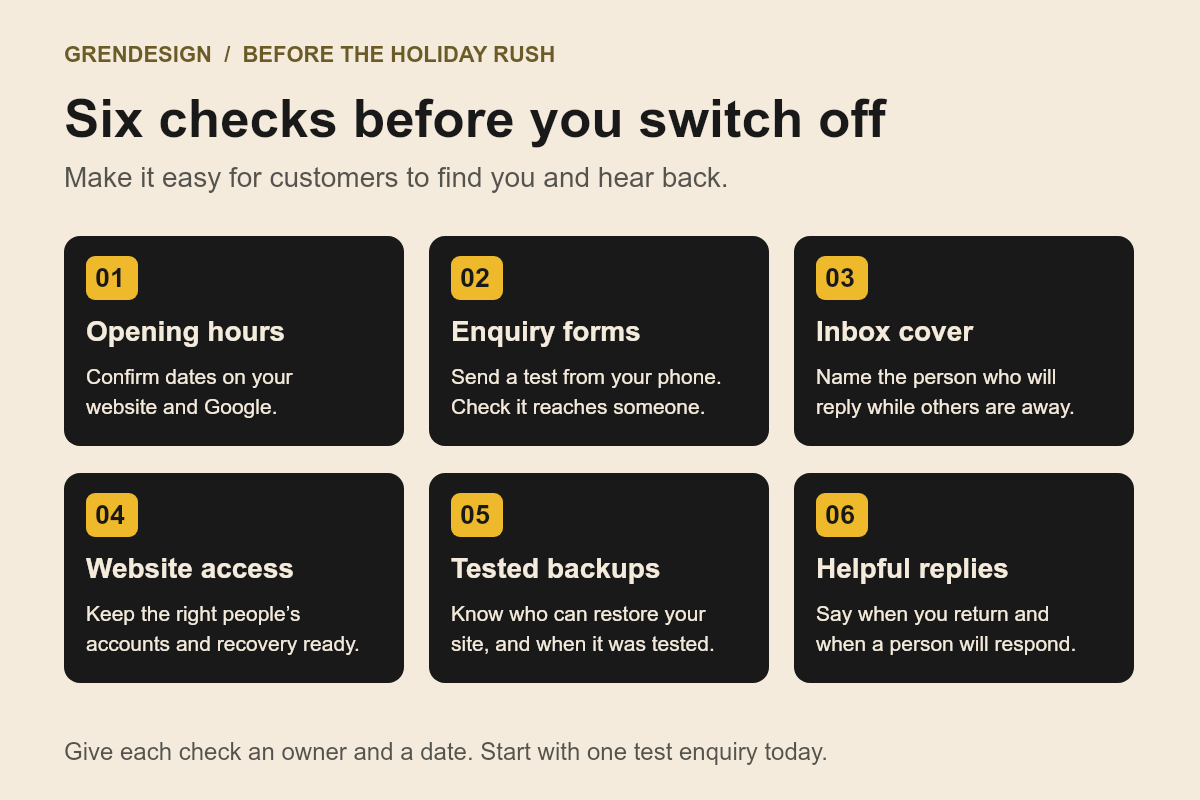
Before the holiday rush, check that customers can find your opening hours, send an enquiry and get a clear response. Test your website on a phone, confirm holiday dates on Google, and decide who covers messages while people are away. Make those basics reliable before adding anything new.
Put the advice into practice
Turn scattered marketing into a considered plan
Connect strategy, creative, channels and ongoing review around your sales process.
Explore our marketing services
Discuss an ongoing marketing partnershipThis holiday website checklist is for Australian businesses preparing for the November and December rush, a summer shutdown or a quieter few weeks with fewer people available.
What information will customers need over the holidays?
Put confirmed opening hours, closure dates and reopening details where people will look: your contact page, booking information and any page affected by the change. If your reply times or delivery arrangements will differ, explain that before somebody submits a request.
Check the wording for an old year, an expired offer or a deadline that has already passed. Use actual dates when you know them. “Closed from 24 December to 3 January” is clearer than “closed over Christmas”. That example is a wording guide; use your own confirmed dates.
Can someone contact you easily from their phone?
Open your site on a phone and follow the path a customer would take. Find your number, tap it, try the enquiry form and check the confirmation message. Test booking links and any important download. Ask a colleague to try it without instructions.
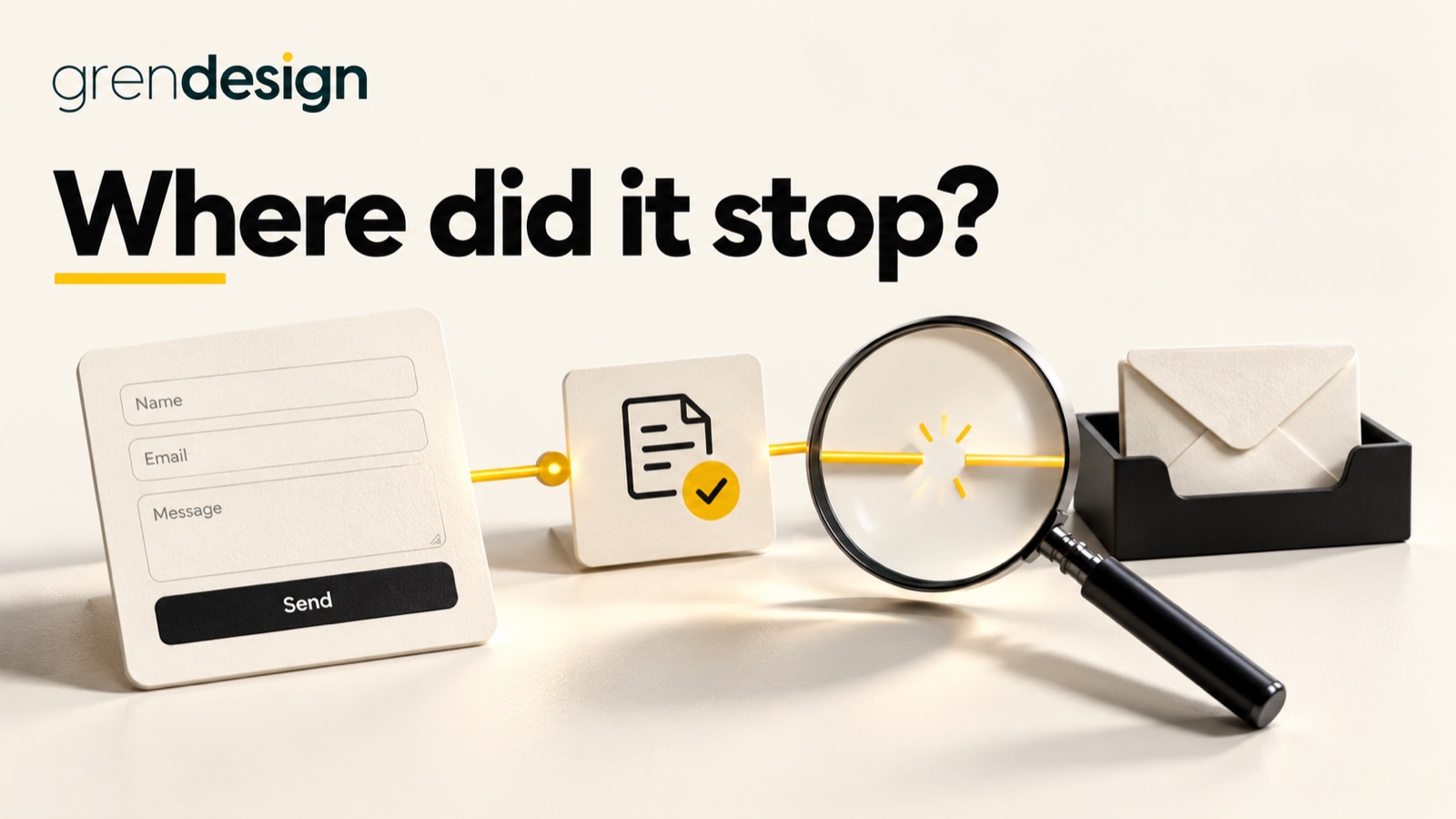
Use a clearly labelled test enquiry with non-sensitive details. Confirm it arrives in the right inbox and that someone can read the full message. A thank-you screen only confirms the website showed a message; check delivery at the other end too.
Who will answer enquiries while the team is away?
Choose a person to monitor each shared inbox, form, booking channel and social account. Give a second person appropriate access so coverage does not depend on one phone or one holiday roster.
Update automated replies to explain when a person will respond. If you provide an urgent contact, make sure somebody has agreed to cover it. Check old follow-up emails too: they may still promise a reply time your team cannot meet during a break.
Do your Google holiday hours match your website?
Confirm public holiday hours on your Google Business Profile, even when you will open as usual. Google’s special hours instructions explain how to set hours for specific dates without changing your regular timetable.
Then compare Google, your website and any pinned social post. Customers should get the same answer wherever they check. For an extended closure, follow Google’s guidance for that situation rather than treating every closure as a single special day.
Could the right person access and restore your website?
Check who can access your website, hosting, domain account and business email. Use individual accounts with suitable permissions. Make sure recovery options are current and that essential access does not sit with someone who will be unreachable.
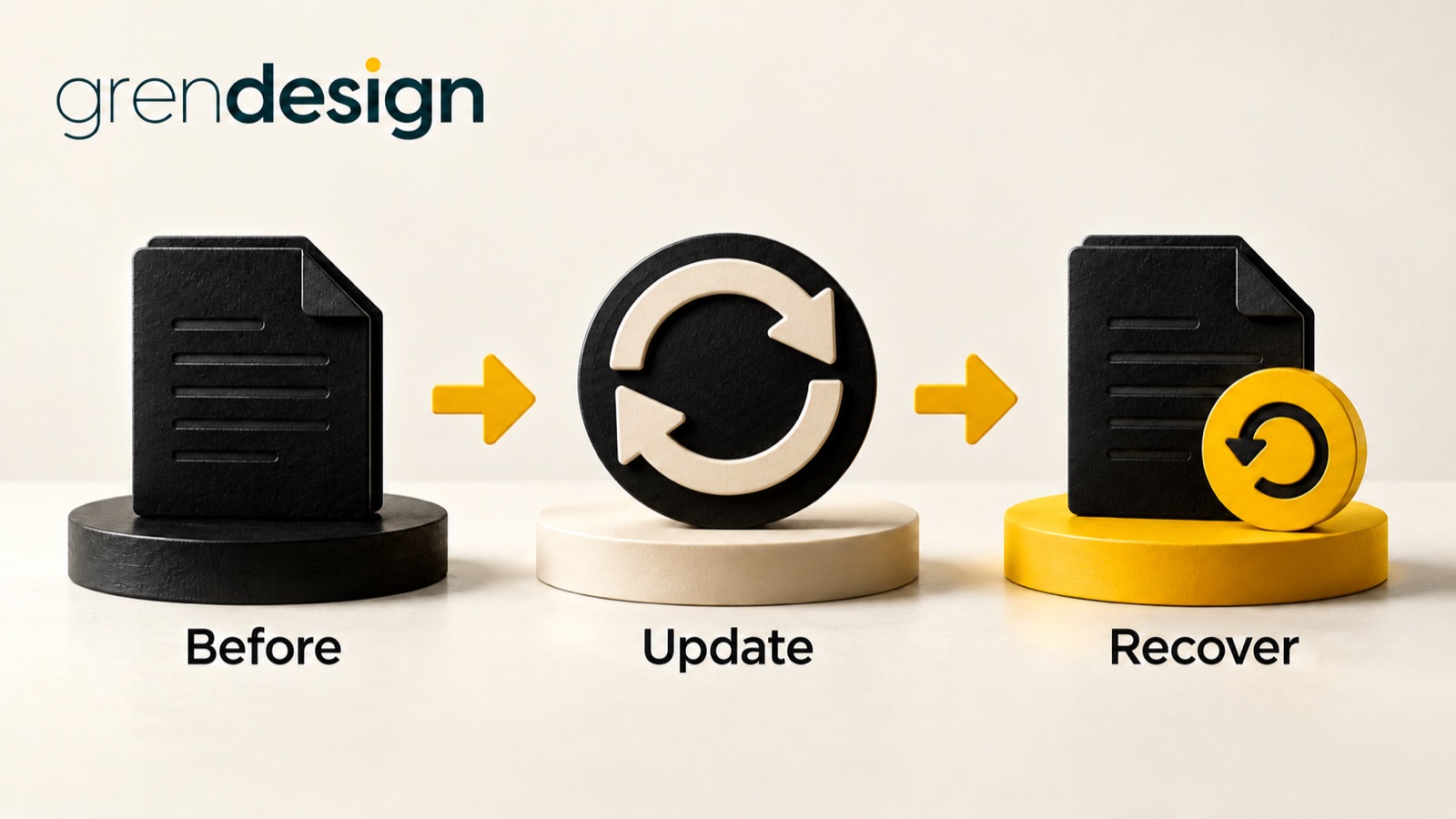
Confirm who monitors security alerts, applies updates and handles a website outage over the break. Ask when your backups were last tested. Our business cyber security checklist covers those checks and links to current Australian government advice.
Does your holiday message sound like you?
Read it aloud. Replace vague promises with useful details: when you close, when you return and how to reach somebody. A friendly note can be brief.
If AI helped with the draft, use our guide to writing human content to remove the filler. Keep the details your customers need to make their next decision.
What should you finish first?
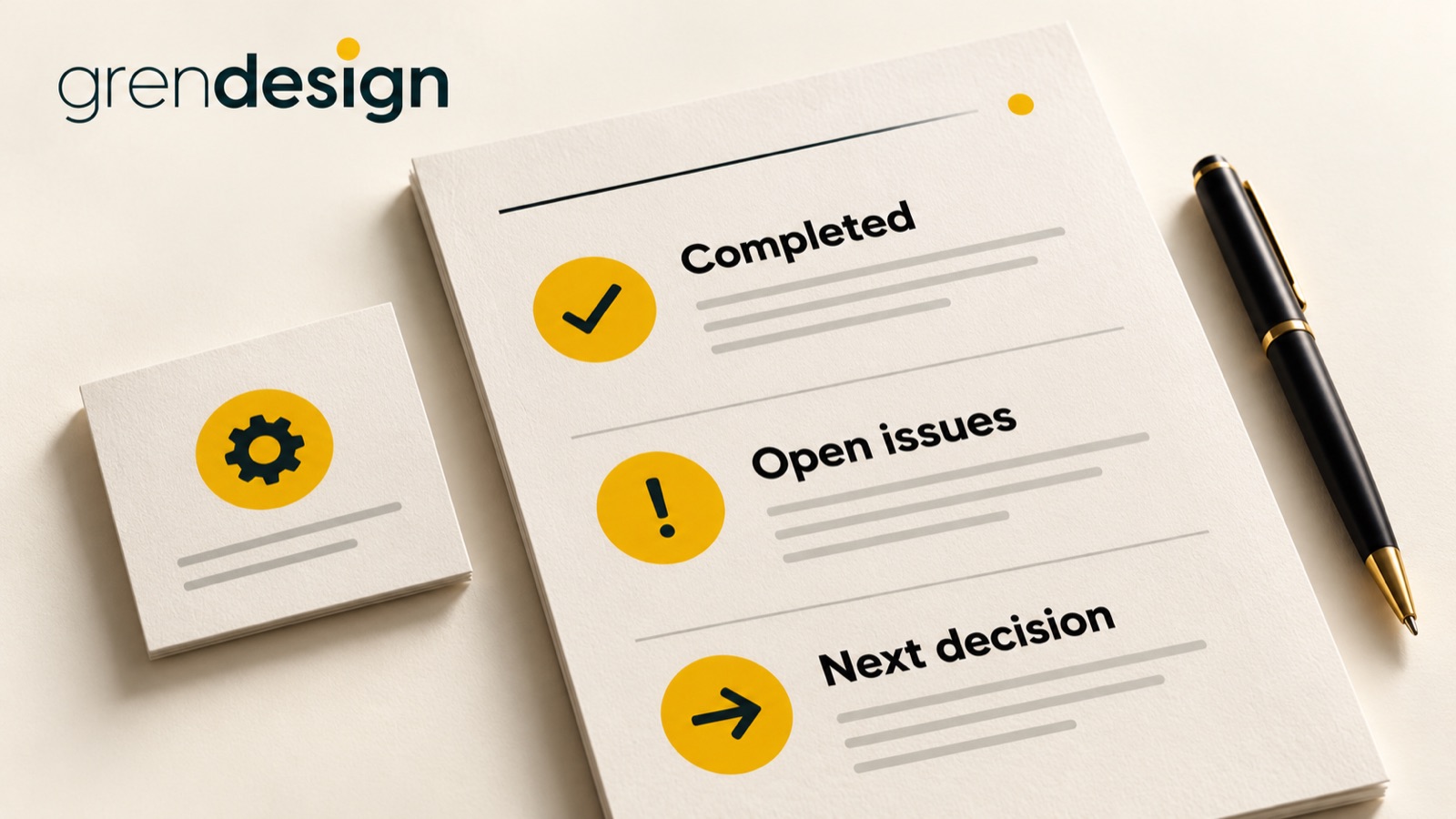
Send one test enquiry today and follow it through to a person. Then give each remaining check an owner and a deadline. That turns “we should sort the website” into work somebody can actually finish.