


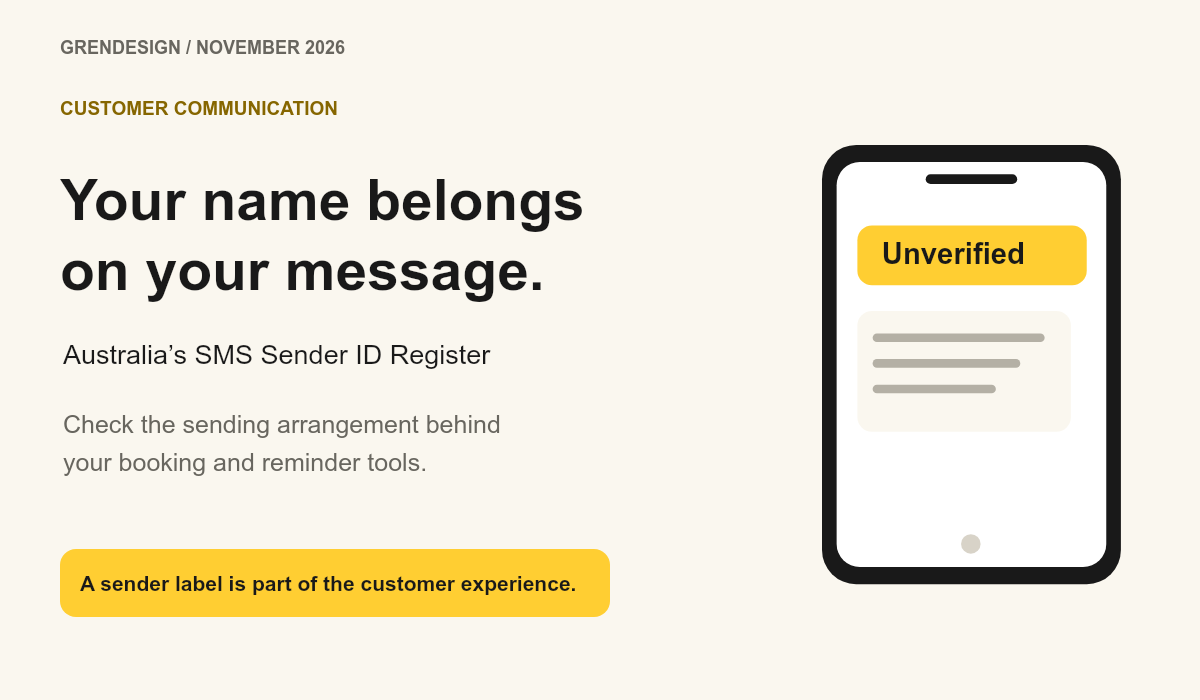
Why your business texts may now say ‘Unverified’
If your business texts use a name instead of a phone number, check that your SMS sender ID is registered through every provider that sends them. Since 1 July 2026, unregistered branded sender IDs can appear as ‘Unverified’ on Australian phones. Messages sent from ordinary phone numbers are treated differently.
Put the advice into practice
Turn scattered marketing into a considered plan
Connect strategy, creative, channels and ongoing review around your sales process.
Explore our marketing services
Discuss an ongoing marketing partnershipAn appointment reminder has one useful job: help someone turn up. If the sender suddenly looks unfamiliar, the customer has another decision to make before they trust the message. With November appointments, deliveries and end-of-year updates approaching, this is a good time to check what people actually receive.
What changed for branded text messages in Australia?
The Australian Communications and Media Authority’s SMS Sender ID Register covers branded names shown at the top of SMS and MMS messages. The requirement took effect on 1 July 2026. This is an existing rule to check now, rather than a new November deadline.
Under the rules, an unregistered branded sender name is replaced with ‘Unverified’. Those messages are grouped with other unverified messages on the recipient’s phone. ACMA’s business guidance explains which messages are covered.
Do texts sent from a normal mobile number need a sender ID?
If your messages arrive from a phone number and you do not use a branded sender ID, ACMA says you do not need to act under this registration requirement. Look at a recent message on a customer-facing test phone before assuming which arrangement your software uses.
A staff member sending from a work mobile and a booking platform sending an automated reminder may use different arrangements. Check each system separately. The name displayed in your software’s settings does not tell you what appears at the other end.
Why should you check every booking and messaging tool?
Make a short map of the tools that send messages: appointment software, invoicing, customer support and any marketing platform. Beside each one, record the sender name customers see and the provider responsible for delivering it.
ACMA’s registration instructions for organisations with an ABN, updated on 29 October 2026, say to contact each telco or message provider you intend to use. Self-registration alone does not authorise a provider to send using your name.
What should you ask your provider?
Ask them to confirm the exact sender ID, its registration status and that they are authorised to send with it for your organisation. Ask which action remains with your team and when you can test a live example. Keep their confirmation with your account records.
If you have an ABN, check the authorised contact or service-of-notice email on the Australian Business Register is current. ACMA’s process includes organisation, identity and authority checks. Use your provider’s established support channel and the official instructions when handling those steps.
How can you check the customer experience?
Send a clearly marked test through the real booking or reminder workflow to a phone your team controls. Use an ordinary test record with no customer information. Check the sender label, message wording, link destination and any reply instructions.
For an appointment reminder, make sure a person can understand the date and how to change the booking. If the sender is ‘Unverified’, take the example to the provider rather than repeatedly editing the message copy. The issue may be the sending arrangement.
Does registration replace consent or other security checks?
Registration does not establish permission to send a marketing message. Commercial texts still need the appropriate consent, sender identification and unsubscribe arrangements described in ACMA’s spam guidance.
Keep account security in the same conversation. Protect the software that sends your reminders with two-factor authentication and appropriate staff access. Our business cyber security guide explains which accounts to prioritise. For today, pick one message your customers rely on and check its sender name on a real phone.