


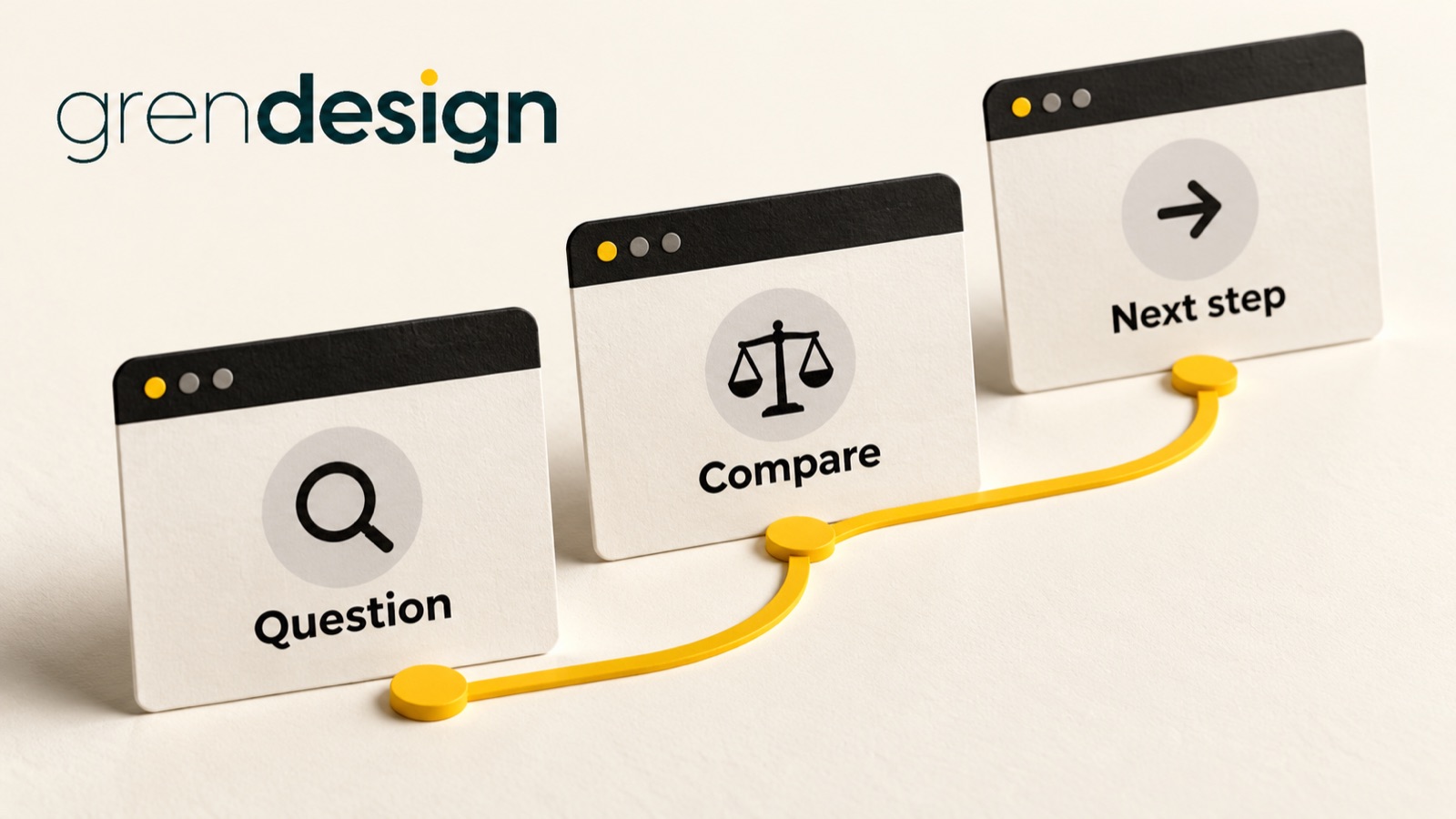
Internal links that help buyers find the next useful answer
A good internal link answers a question the reader is already beginning to ask. Put it where that question arises, describe the destination clearly and make sure the next page delivers what the link promises.
Put the advice into practice
Ongoing SEO, with a clear job to do
Find the search gaps, improve the right pages and review what produces useful enquiries.
Plan your search prioritiesInternal linking is often discussed as an SEO task, but the customer experience is easier to assess first. Can someone move from understanding a problem to comparing options, checking evidence and making an appropriate enquiry without starting over in the main menu?
Walk one real journey before changing the whole site
Choose a service that matters to the business and one article that attracts or assists prospective customers. Open the article as if you have arrived from a search result with no knowledge of the company.
Read until you reach an unresolved question. Perhaps the article explains why a website migration needs planning, but you want to know who does the work. Perhaps it describes a design process, but you want to see a relevant example. Write down the question before deciding which URL to add.
Repeat the exercise on the destination page. If a link sends the reader to another broad overview, you may have moved them sideways rather than forward. A useful route can be short. An article, a detailed service page and an enquiry option may be enough.
Do this for one journey at a time. A whole-site exercise can become a spreadsheet of links with no clear view of whether the pages make sense together.
Give each link a reason to exist
Most helpful contextual links do one of four jobs. They explain a prerequisite, explore a choice, provide evidence or support action. Naming the job makes weak links easier to identify.
- Prerequisite: A reader needs to understand a term or prepare information before using the current advice.
- Choice: A reader needs a deeper comparison that would interrupt the current article.
- Evidence: A reader wants to inspect a relevant example, process or source.
- Action: A reader is ready to use a resource or discuss a service.
A link does not become useful simply because the destination is commercially important. If every paragraph points towards the same service page, the repetition may distract from the answer. Keep the service link where its relevance is clear.
Conversely, do not hide every next step at the bottom. Someone reading a specific section may be ready for a supporting resource before reaching the conclusion.
Make the link text carry the promise
Compare “click here” with “compare website redesign inclusions”. The second tells the reader what they will find and why they might want it. It also forces the editor to check whether the destination really offers that comparison.
Google’s link best practices favour relevant, concise and descriptive anchor text. The same guidance explains that standard anchor elements with an address are the reliable basis for crawlable links. Your developer can check the implementation; your content team can check the promise.
Use natural wording that fits the sentence. You do not need to repeat the exact same keyword phrase every time you link to a page. “Our maintenance services” may fit one context, while “who will look after updates” fits another, provided the destination answers both.
Avoid linked sentences so long that readers cannot tell which part describes the destination. Also avoid a row of adjacent links with little explanation. A short introductory phrase can make the difference between a useful recommendation and an unexplained list.
Improve a paragraph, not just a hyperlink
Here is an illustrative editing example. A draft says: “Website projects need clear responsibilities. Read more. Contact us.” The reader has two choices, neither described well enough to evaluate.
A more useful version might say: “Before comparing proposals, decide who will supply copy, approve layouts and coordinate launch. Use the content responsibility checklist to record those owners. If the project also needs new templates or development, review the website design service page to understand the next conversation.”
The revised paragraph explains why each destination matters. The first resource supports preparation. The second is relevant only if the reader needs that service. Neither is presented as a compulsory next step.
The linked resource must actually exist and contain the promised checklist. If it does not, remove the promise or create and approve the resource before publishing. A polished link label cannot compensate for a missing answer.
Check the experience beyond mouse clicks
W3C’s accessibility writing guidance recommends meaningful link text. Treat that as part of ordinary editing, not a final technical flourish. A reader moving through links should be able to distinguish “view the project scope checklist” from “explore website design services”.
Ask your website team to check visible keyboard focus, adequate contrast and whether links can be recognised without relying only on colour. If an image acts as a link, its accessible text should communicate the purpose of the destination.
Also check what happens on mobile. A useful link can be hard to tap when it sits too close to another interactive element. A long related-content panel can push the reader away from the article’s main next step.
Keep in-page navigation distinct from links to other pages. A contents list helps someone jump to the relevant section; a contextual link helps them continue elsewhere. Both are useful, but they solve different problems.
Use a simple link review record
For each priority article, capture the source paragraph, reader question, destination, current link text, proposed change and reason. Add an owner and check date. This turns an abstract instruction to “improve internal links” into reviewable work.
- Check that the destination loads and contains the expected answer.
- Replace obsolete destinations with their relevant current equivalents.
- Remove links whose only justification is that the destination needs more traffic.
- Add missing links where an important next question is left unresolved.
- Test links in the published preview, including mobile and keyboard use.
If a destination is being merged or renamed, update the source links as part of that change. Relying indefinitely on a chain of redirects makes future maintenance harder, even if the reader currently arrives successfully.
Look for progress through the journey
A higher link click rate is useful only in context. A prominent but misleading label might attract clicks that end in disappointment. Review what happens after the click and whether the destination answers the question visitors expected it to answer.
For a small B2B site, direct feedback can be more informative than a thin analytics sample. Ask sales staff whether prospective clients arrive with clearer questions. Observe a few people using the article. Look for repeated points of confusion before rearranging every link.
Make one coherent improvement, record it and allow enough time to observe its effect. You are improving a route through useful information, not trying to maximise the number of clicks someone must make.
For broader work on those routes and priority pages, explore Grendesign’s SEO services. A useful starting brief is one customer journey and the point where the next answer becomes difficult to find.
