


Prepare a brand asset handover your whole team can use
A useful brand handover lets someone find the right asset, understand how to use it and know who can approve a change. A folder full of beautifully designed files is only part of that job.
Put the advice into practice
Make your expertise look as considered as the work behind it
Bring brand, sales material and digital design into one coherent presentation.
Discuss your design briefThe practical test is simple: can a new team member make an ordinary piece of communication without guessing which logo is current, whether a font is available or where the approved wording lives?
This guide focuses on that handover, whether you are finishing a rebrand, moving between suppliers or tidying an identity that has accumulated years of versions. It is not a brief for redesigning the brand itself.
Build around the people who will use the files
List the regular tasks before deciding which formats to supply. The sales team may need an editable presentation. An administrator may need a letterhead that works in Word. A printer may need production-ready artwork rather than the small logo used in email signatures.
Ask each group for two or three common requests. Also ask what goes wrong now. “We cannot find the white logo” suggests a different fix from “the presentation font changes when someone else opens it”.
Separate everyday use from specialist production. Most staff should not need to open a design application to send a proposal. Equally, a designer preparing signage needs more than a screenshot copied from a slide.
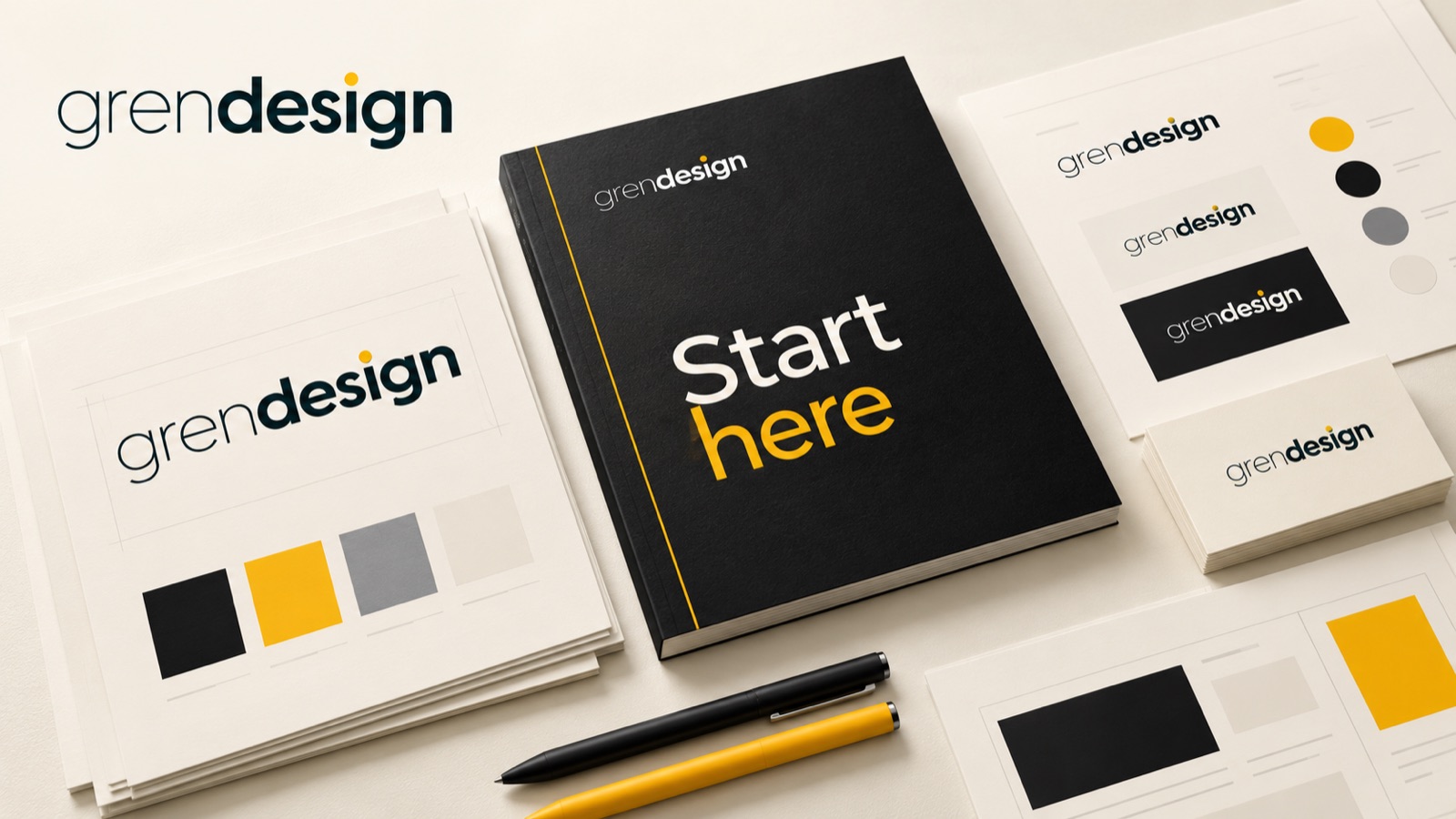
The handover should include a short start-here guide that connects tasks to files. “Making a presentation? Start with this template” is more useful than expecting every person to understand a folder taxonomy.
Explain the logo set, not just the extensions
Provide the approved arrangements and colour variants that the identity actually needs. This may include a primary logo, a compact version, a reversed version for dark backgrounds and a single-colour version. Do not invent variants simply to make the package look extensive.
For each one, identify the intended use, background restrictions, minimum size guidance and clear-space rule. Include a visual example. A filename alone cannot explain that a particular mark becomes unreadable at small sizes.
Discuss file formats in practical terms:
- Vector artwork: useful for scaling and specialist production, subject to the receiving software and production requirements.
- Transparent raster files: useful where the logo needs to sit over a suitable background in common office tools.
- Flat image files: useful for specific placements where a background is already part of the design.
- Production exports: prepared to the requirements of the printer, signwriter or other supplier.
Label colour mode and intended application where relevant. Do not promise that one export will suit every print process. A supplier making embroidered uniforms may need a different preparation from one printing a brochure.
Make font access and fallback choices explicit
Record the typeface names, weights, source and intended roles. Include a practical fallback for environments that cannot use the brand font, such as certain email or office setups.
Keep licensing instructions with the asset register. Permission to use finished artwork is not automatically permission to distribute the underlying font files.
Adobe’s font licensing guidance, for example, distinguishes finished graphics from editable work requiring direct font access. It also says Adobe Fonts files cannot simply be packaged and transferred to another user. Those are Adobe-specific terms; check the licence for each font source rather than assuming all fonts work the same way.
Test the template on a real team member’s device or account. If a font is missing, record what changes and choose an approved solution. Do not leave the person to substitute something that happens to look similar.
The aim is to make compliant, consistent use straightforward, not to turn every staff member into a licensing specialist.
Supply working templates for recurring jobs
Prioritise templates the team will actually use: proposals, capability statements, presentations, social posts, email signatures or internal documents. Choose the applications the business can maintain.
A template needs more than a styled first page. Include realistic examples of a long heading, dense content, a chart, a photo, a quotation and a plain text page where those situations arise. Mark placeholder material clearly so it is not mistaken for approved copy.
Explain which elements can change and which should stay consistent. Staff should know whether they can replace imagery, add sections or adjust a title, and when to ask for design help.
Test outputs as well as editing. A slide deck that looks correct in the editor may behave differently when exported or opened elsewhere. A proposal template should still work after a page is added and the content becomes longer than the sample.
Keep the editable master separate from finished examples. Otherwise, someone will eventually overwrite the template with a client’s details and the next user will inherit them.
Create an asset register and a clear home
Choose one recognised location for approved assets and name an owner. The system can be simple if the business is small, provided staff know which version is authoritative.
For each important asset, record its name, purpose, version, owner, approval date, location and any usage restrictions. Photography and third-party illustrations may need additional details about permitted uses, credits or expiry.
A useful filename is readable and distinguishable: brand-logo-primary-dark-rgb-v2.png tells the user more than logo-final-final-new.png. Put the fuller explanation in the guide rather than forcing every condition into the filename.
Move superseded files into an unmistakable archive instead of leaving them beside the current versions. Where existing documents still use an old identity, document the transition decision rather than letting staff guess whether everything must be replaced immediately.
Control access sensibly. Everyday users need reliable approved assets; only the right people need permission to alter master files. External suppliers should receive the relevant approved material without automatically gaining access to unrelated business documents.
Run a handover rehearsal
Ask someone who did not prepare the assets to complete a small task. For example, have them create three presentation slides, update a proposal cover and locate the correct logo for a dark background.
Watch where they hesitate. That is feedback on the handover, not a test of their design ability. Improve file labels, guidance or template behaviour where the same question arises repeatedly.
An illustrative handover acceptance checklist might be:
- Current logos are findable and their uses are explained.
- The agreed templates open and export in the team’s actual tools.
- Font access, alternatives and relevant licences are documented.
- Imagery has a usable rights and credit record.
- Master files, everyday copies and archived assets are distinct.
- A named person handles updates and exceptions.
Finish with a short walkthrough and a place for questions. A handover should make the next routine job easier without requiring the original designer to explain the entire system again.
Make the brand easier to use every day
Bring a list of the materials your team produces and the problems they encounter. Explore Grendesign’s graphic design services to discuss the assets and templates your handover needs. If the identity itself needs work, logo design and branding is a separate starting point.
