


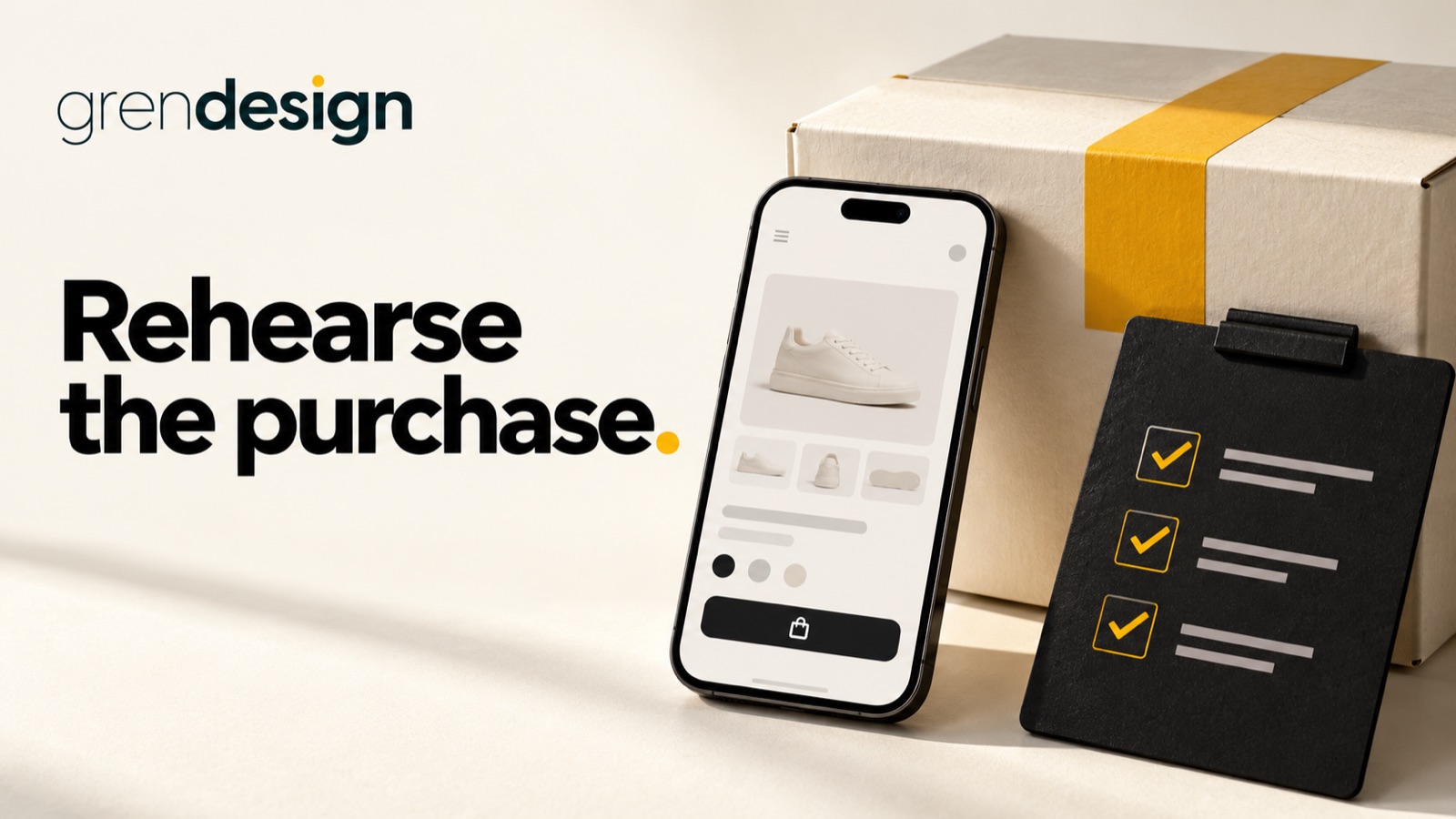
Black Friday website rehearsal: test the whole purchase before sale week
Before sending Black Friday traffic to your website, rehearse the purchase from the customer’s first click to the order your team needs to fulfil. A working homepage is only one part of a working sale.
Put the advice into practice
Give your next major prospect a clearer reason to choose you
Plan the content, design and enquiry pathways around the work you want to win.
Discuss your website projectFor 2026, Black Friday falls on 27 November and Cyber Monday on 30 November, as listed in business.gov.au’s online sales preparation guide. If those events fit your customers and margins, use the weeks before them to find avoidable friction rather than leaving the first full test to a paying customer.
Choose a realistic rehearsal order
Select a product or bundle that represents the campaign, including any variation, shipping condition or promotion rule likely to cause confusion. A simple product with no options may not reveal the issue affecting your most important offer.
Agree a safe testing method with the people responsible for payments, stock and fulfilment. Use the platform’s supported test process where appropriate, and confirm how test orders affect stock and fulfilment.
Record the path you are testing: campaign link, landing page, product selection, basket, checkout, confirmation and fulfilment handover. Testing only the final payment screen misses problems that stop people much earlier.
Read the offer as a first-time customer
Check what the promotion includes, what it excludes and when it begins and ends. Make the date and timezone unambiguous where timing matters. Compare the wording across ads, emails, banners, product pages and the basket.
Look for conditions people could reasonably miss. A bundle discount may apply only to selected products. A delivery offer may have a threshold or geographic limits. The customer should not have to discover the basic rules through a failed attempt at checkout.
Keep pricing and promotional claims accurate and have the appropriate person review them. Check the consumer-law requirements that apply to your offer before it goes live.
Use a phone without insider knowledge
Ask someone who did not build the campaign to follow the buying path on a phone. Give them a realistic task, such as choosing the right size or checking whether the product can arrive before a particular date. Observe where they hesitate before explaining how the site works.
Can they see the product detail, understand variations and find delivery information? Are buttons easy to use? Does a popup hide essential content? Do labels remain visible when the keyboard opens?
Record the task, device, browser and the specific point of difficulty. “Mobile is confusing” is hard to fix. “The size guide closes when the customer tries to select a variation” gives the team a reproducible problem.
Check the basket rules
Test the promotion with an eligible product, an excluded product and a mixed basket where those cases are relevant. Check what happens when the customer changes quantity, removes an item or returns to shopping.
For an illustrative example, a retailer offers a discount on a selected collection. A customer adds one eligible item and one ordinary-priced item. The basket should make the calculation understandable rather than presenting an unexplained total. This is a test scenario, not a recommended offer.
Also inspect sold-out variations and low-stock messages. An unavailable item should not appear purchasable simply because the main product page is still live. Coordinate the expected behaviour with the platform and fulfilment team.
Follow the confirmation into the business
After the test checkout, review the customer confirmation and the internal order. Do the product, quantity, variant, delivery details and promotion match? Can the fulfilment team see the information it needs without opening several unrelated systems?
Read automated emails on a phone. Check that links work and that the contact path is appropriate for order questions. Remove outdated delivery promises from old templates that were not part of the campaign design review.
If a payment fails or is abandoned, examine the message the customer receives. It should help them understand the next step without implying a successful order that does not exist. Ask the platform specialist to review ambiguous states rather than improvising a technical fix during the promotion.
Review capacity as well as pages
The website may accept more orders than the team can comfortably handle. Discuss stock, packing, dispatch, customer support and supplier constraints before choosing campaign volume. An attractive offer can still disappoint customers if the service promise is unrealistic.
Agree who can approve changes during the event. If stock runs out or a delivery expectation changes, the website, campaign and customer-support response need a coordinated update.
For technical performance, ask your hosting or development team what evidence they need to assess expected demand. Do not run disruptive load tests against a live store without agreement. A normal browsing test is not proof that the site can handle every traffic spike.
Create a short issue list with clear priorities
Classify each finding by its effect on the purchase. A customer unable to pay or an inaccurate price needs different urgency from a minor spacing preference. Give each issue an owner and retest the corrected journey, not only the changed component.
- Must resolve: wrong offer, blocked purchase, misleading confirmation or missing order information.
- Important improvement: unclear product choice, hidden delivery detail or difficult mobile interaction.
- Can wait: cosmetic changes that do not materially affect understanding or completion.
Keep the list small enough to finish. Introducing a new design system just before a campaign may create more uncertainty than it removes.
Plan the end of the sale too
Record when promotional banners, codes and scheduled messages should stop. Keep useful order-support information available after the offer ends. Check that follow-up emails recognise what the customer actually purchased rather than continuing to advertise an expired promotion.
If the rehearsal identifies a larger problem, Grendesign’s website design services can help you turn those findings into a clearer buying journey. Review hosting and maintenance for the reliability and support your campaign needs. Start with the observed problem and the buying task it interrupts, so the next step is proportionate to what the campaign needs.
