


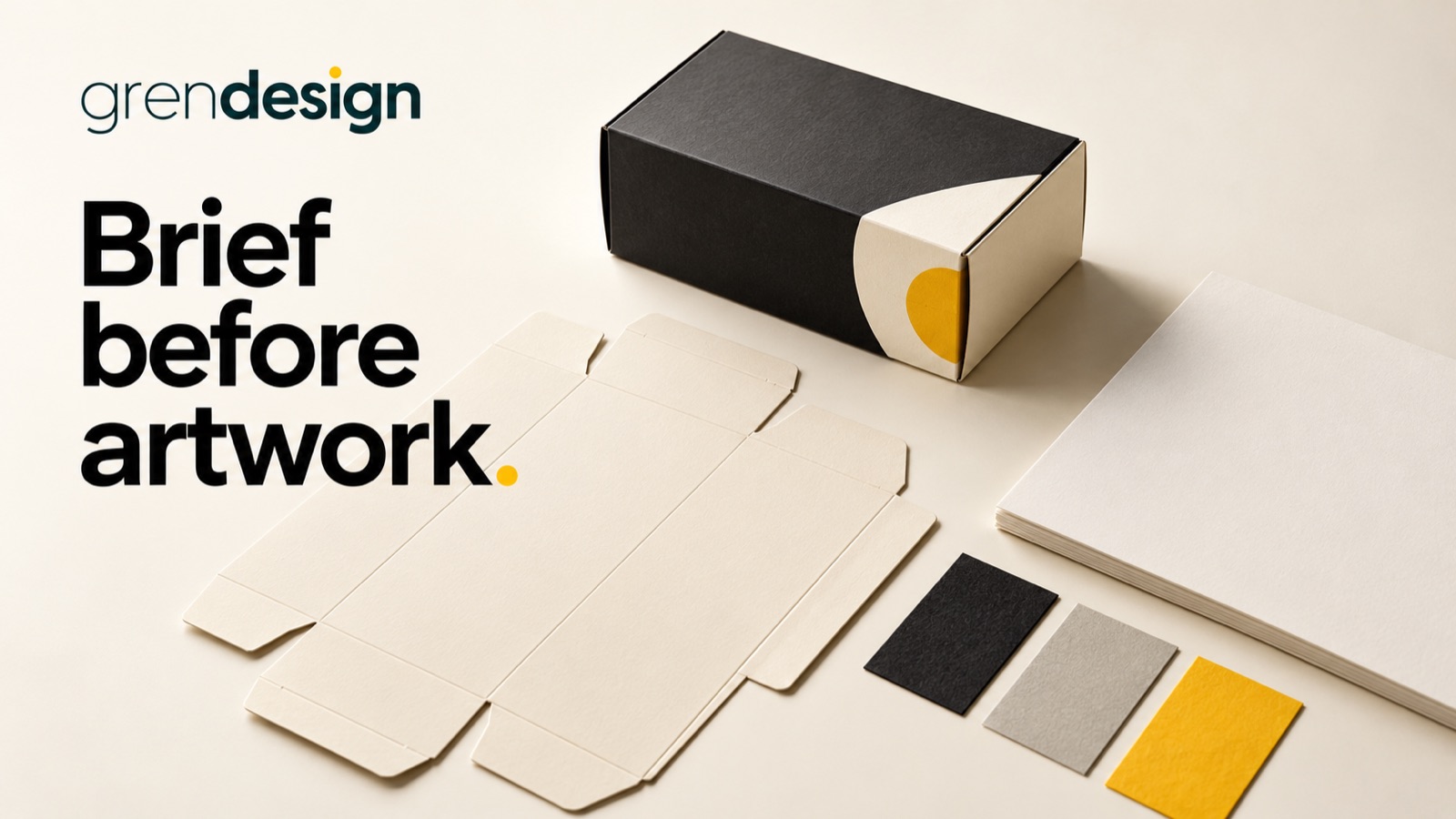
Brief packaging design before the artwork begins
A useful packaging design brief brings together the product facts, physical format, production constraints and approval responsibilities before anyone starts arranging the artwork. That gives the creative work a reliable foundation and makes late changes easier to avoid.
Put the advice into practice
Make your expertise look as considered as the work behind it
Bring brand, sales material and digital design into one coherent presentation.
Discuss your design briefA mood board can describe how a pack should feel. It cannot confirm which text belongs on it, whether the chosen finish is available or which file the printer will use. Those decisions need their own place in the brief.
Start with the product and the buying situation
Describe what the product is, who buys it and where they encounter the packaging. A carton on a retail shelf, a product thumbnail in an online store and a shipping box arriving at an office perform different jobs.
Record the product name, variants, sizes, quantities and intended sales channels. Explain whether this is a new range, an extension or a replacement for existing packaging. If customers already recognise a particular colour or shape, say whether that recognition needs preserving.
Identify the main decision the front of the pack must support. Someone may need to distinguish fragrance, strength, size or intended use quickly. That information hierarchy should be settled before the team debates decorative treatments.
Keep the brief honest about what is undecided. “Three variants confirmed, fourth under review” is useful. Quietly adding the fourth after artwork approval creates a different production task.
Get the physical format from the production source
Ask the packaging supplier or printer for the current dieline or technical template, with its version and dimensions. A dieline identifies the structural layout the artwork must fit, including relevant cuts, folds and other production features. Confirm what the supplier’s markings mean rather than interpreting unfamiliar lines by eye.
Make clear whether the structure has been approved or is still being developed. Graphic design on an existing carton and designing a new physical pack are different scopes. The brief should say who owns structural decisions and who confirms fit.
Include a physical sample where possible. Photographs and flat drawings may not reveal how a lid overlaps a panel, which side faces forward or where a label wraps around a curve.
Ask the supplier to identify safe areas, bleed requirements, glue areas and any surfaces that cannot carry important information. Do not copy dimensions from an old file and assume they apply to a new stock or supplier.
Create one approved source for the pack copy
Gather the wording into a controlled copy document rather than scattering corrections across emails and annotated screenshots. Separate shared copy from variant-specific copy so the designer can see what changes between products.
- Product names and plain-language descriptions.
- Quantities, sizes and other factual specifications.
- Directions, warnings or handling information where applicable.
- Business details and approved contact information.
- Required category information, supplied by the responsible reviewer.
- Claims, certifications and the evidence or permission supporting them.
- Barcode and other identification requirements.
Assign a factual owner to each category. The designer can help make information readable, but should not have to infer ingredients, product performance or regulatory wording from a competitor’s packaging.
For food products, start with Food Standards Australia New Zealand’s labelling information and have the appropriate person confirm the requirements for the actual product. This brief is a production planning tool, not a substitute for product-specific compliance advice.
Approve the claim and the impression it creates
Words such as “recyclable”, “natural” or “Australian made” should not arrive as decorative placeholders. Record the exact proposed wording, what it refers to, the supporting evidence and who will approve it.
The ACCC’s guidance on claims includes product packaging and emphasises accurate, supported information. The overall impression matters as well as individual words. A small qualification should not be treated as a way to rescue a misleading front-panel message.
Review imagery with the same care. A picture, badge or certification-style mark may suggest an ingredient, origin or endorsement even when the accompanying copy does not say it directly. Confirm permissions and meaning before it becomes part of the approved design.
If a claim is unresolved, mark it as pending and prevent the production file from being released with that placeholder. Keep the design moving on confirmed elements while the responsible reviewer resolves the question.
Bring the printer into the decisions that affect production
Ask about the chosen material, print process, colour approach, finishing options and file requirements. A screen mock-up cannot establish how ink, foil or a coating will behave on the actual pack.
Discuss which details need testing at production size. Small reversed text, fine lines and low-contrast information may look acceptable when enlarged on screen but become difficult to read in the finished item. The printer should confirm practical limits for the selected process.
Barcode placement needs planned space. GS1 Australia’s barcode guidance covers matters including size, quiet zones and print quality. Do not squeeze the code into leftover space or distort it to fit a layout. Confirm the required identification and verification process with the appropriate supplier or specialist.
Also distinguish a visual prototype from a production proof. Ask what each proof can establish and what remains untested. An attractive digital render does not demonstrate physical fit, scan performance or final colour.
Use a variant matrix to prevent small inconsistencies
Consider an illustrative range of three household products in the same bottle format. The front layout is shared, but product names, usage directions, identification codes and accent colours differ.
A simple matrix can list each variant against those fields. The team approves the common layout once, then checks every variable against the source copy. This is more reliable than opening three similar artwork files and hoping the differences are easy to spot.
Include a sample row for any future variant. That reveals whether the design system can accommodate a longer name or more detailed directions without reducing essential information to an unreadable size.
Do not assume approval of one variant approves the entire range. The brief should state which elements are approved collectively and which require a separate factual check.
Define approval and handover before the deadline
Separate creative approval, factual approval and production approval. One person may coordinate them, but they answer different questions: does the design communicate the right idea, is the information correct, and can the specified file be produced as intended?
Agree the file naming, version control and final release process. Record who may authorise production and which file is approved. Avoid vague messages such as “looks good” when several versions remain in circulation.
- Confirm the final copy and variant matrix.
- Check artwork against the current supplier template.
- Complete the agreed print, barcode and physical checks.
- Record approvals and any limitations of the proof reviewed.
- Archive the approved production files and supporting source material.
Clarify which editable files, linked assets and usage permissions are included in the project handover. Do not assume the print-ready PDF is also a complete editable source package.
For the design conversation, explore Grendesign’s packaging and label design services. Bring the product facts, current template and unresolved production questions. Those inputs give the creative work room to be distinctive without leaving essential decisions until the last proof.
