
Account Management
how to use the grendesign products customer portal.
1. Navigate to the ‘My Account’ page
Located in the main menu bar and footer of the website.
2. Enter your email address
Make sure to use the email address you used when checking out.
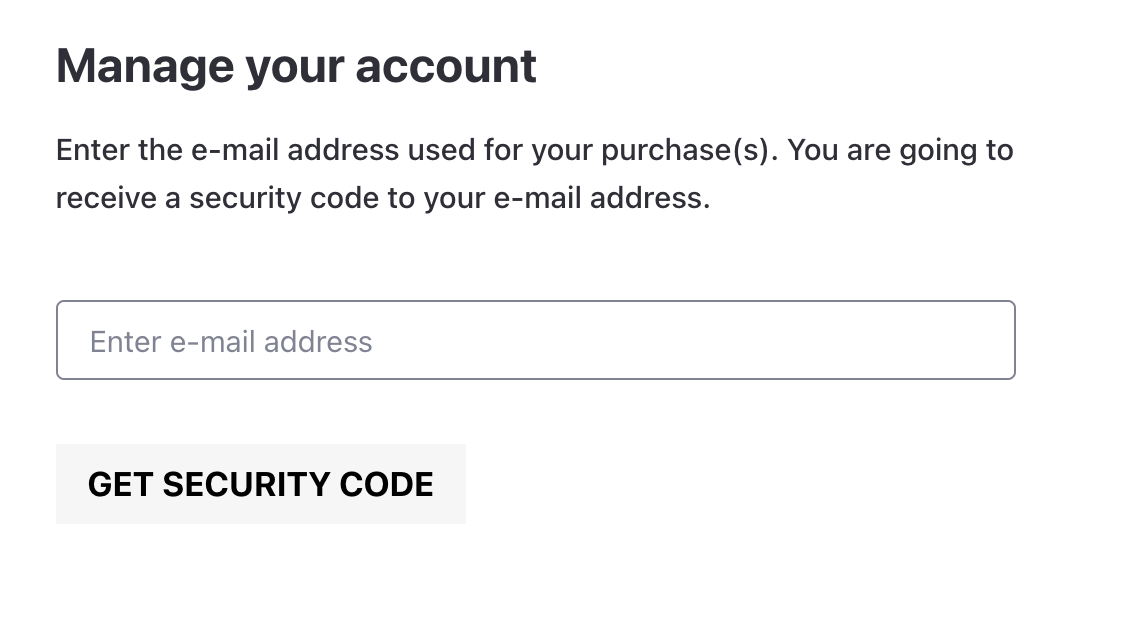
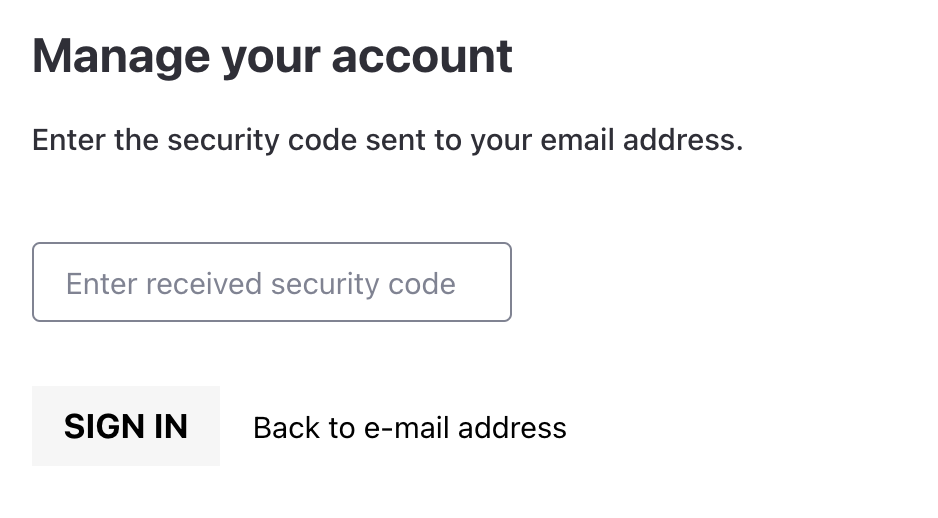
3. Copy one time login code
After submitting your email address, you will receive an email which contains a one-time login code.
*don’t forget to check your junk folder for your login code email*
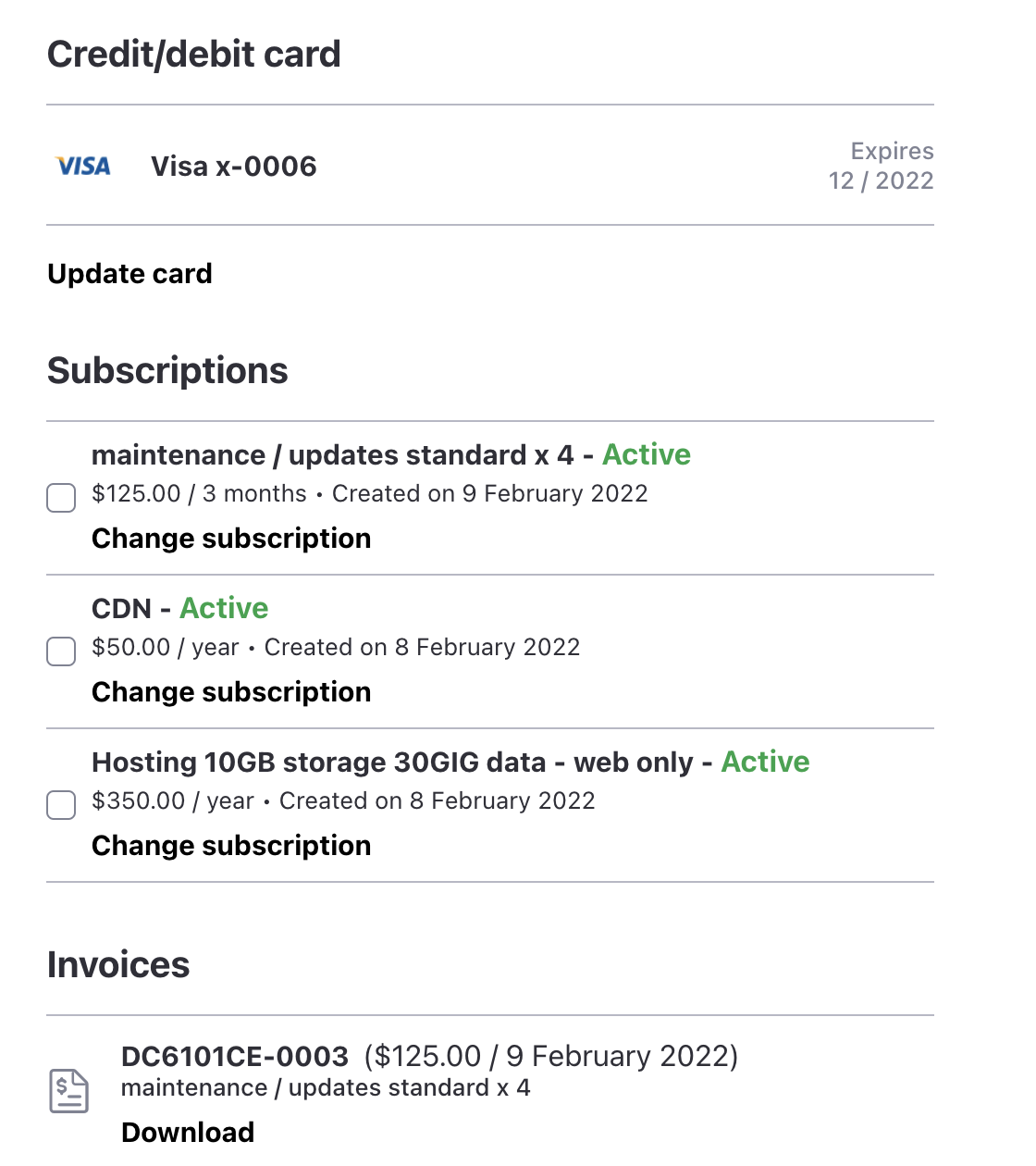
4. Customer portal page is opened
You can now view your active subscriptions, payment details and invoices.
Updating credit card detials
1. Login the ‘My Account’ page
For full details on how to login see ABOVE.
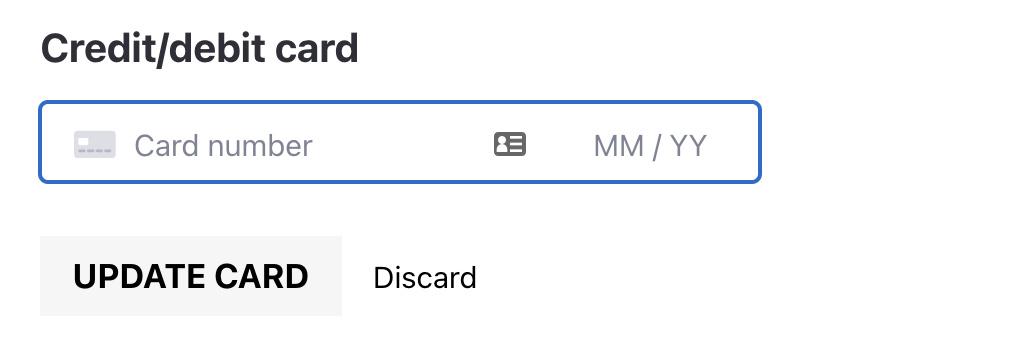
2. On the customer portal page, click ‘update card’
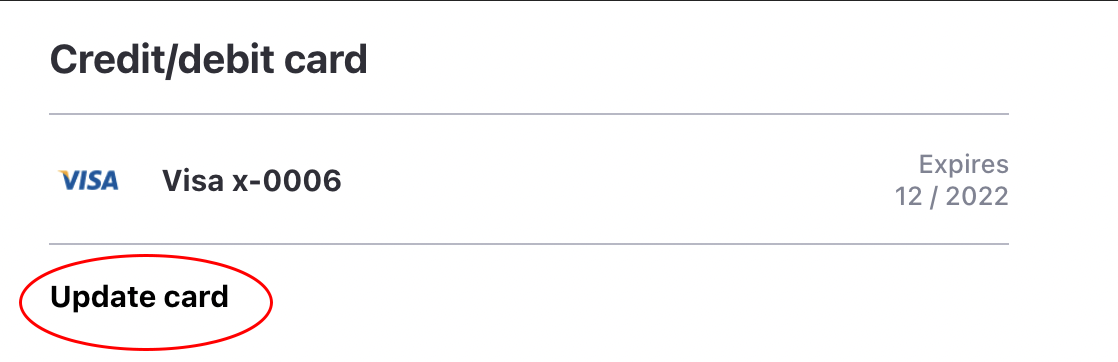
3. Fill in your new card details and click ‘update card’
Canceling or pausing your subscription(s)
Please contact us at grendesign if you wish to pause or cancel a current subscription.
phone: 03 5975 6548
business hours: 9am–5pm M-F
address: 1/33A Dava Drive, Mornington VIC 3931
email: send us a message here